
Posts

Auto-draft your daily standup from GitHub PRs and Jira activity

Illustrated scene of a developer at a tidy desk in the early morning with a coffee, watching a chat panel auto-fill three short standup bullets while glowing connector lines pull data from a pull request icon and a kanban board, modern flat editorial style with vibrant purple and pink accents, no text visible
Kelly Lewandowski

Kelly Lewandowski

Last updated 28/04/20267 min read

You already wrote your standup yesterday. It's just scattered across pull requests, commit messages, Slack threads, and Jira transitions. Re-typing it into a form every morning is the part that wastes time, not the work itself. With a single MCP-enabled assistant pointed at your repo and your tracker, you can have your draft ready before you open the standup channel. You skim, edit anything wrong, and submit. The whole thing takes 30 seconds instead of five minutes.

Why drafting beats writing

The case for automation here is narrower than people make it out to be. Standups are short, so generating one isn't a huge time saver in absolute terms. The win is that an AI draft makes you start from the data instead of from a blank field. When you start from a blank field at 9am, you write whatever feels recent: yesterday's afternoon, the thing on your screen, the bug your manager just asked about. You forget the PR you shipped before lunch. You forget you helped someone debug their deploy. The update gets lopsided. When you start from a draft built off real activity, you edit, you don't summarize. The result is more accurate, takes less effort, and costs almost nothing once the workflow is wired up.

The data sources worth pulling from

Most engineering standups need three signals. An AI assistant with the right MCP servers connected can pull all three without you copy-pasting anything.
🐙GitHub

PRs you opened, merged, or reviewed since yesterday. Commit messages on your branches. Comments left on others' PRs. CI failures you're chasing.

📋Jira / Linear

Tickets that moved status, were assigned to you, or that you commented on. New issues you filed. Sprint scope changes that touch your work.

📅Calendar

What's on your calendar today, so "Today" reflects real focus blocks instead of an aspirational list.

You don't need everything. A solid draft can come from just GitHub plus your tracker. Calendar context is nice but optional.

The workflow, end to end

Here's what the actual loop looks like once you have the MCP servers connected. (For a primer on MCP, see what MCP is and why agile teams care.)
  1. Connect the MCP servers your assistant needs
    Point your AI client at the GitHub MCP server, your tracker's MCP server (Atlassian publishes one for Jira, Linear has its own), and the Kollabe MCP server. One-time setup per client.
  2. Send the assistant your standup prompt
    A reusable prompt that tells the model where to look, what shape the answers should take, and what standup to submit them to. Save it as a slash command, a snippet, or a saved prompt in your client.
  3. Review the draft
    The assistant fetches yesterday's activity, drafts answers per question, and shows you the result. Edit anything wrong. Add a blocker that nobody knows about yet.
  4. Submit
    Tell the assistant to submit. It calls Kollabe's
    standup_submit_answers
    tool and your update appears in the channel like any other submission.
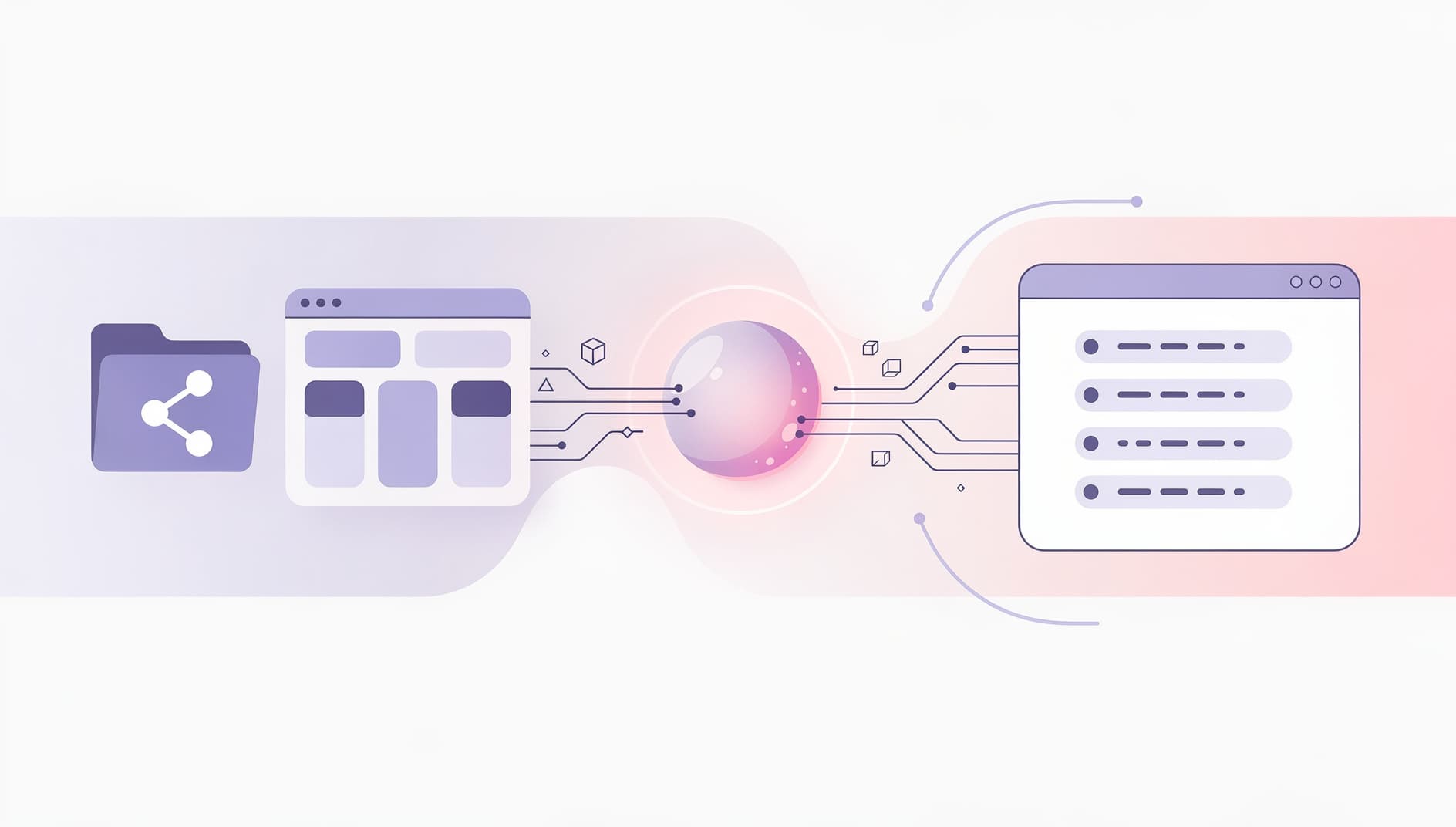
Editorial illustration of three connected panels showing data flowing left to right, the left panel shows a code repository and a ticket board, the middle panel shows an AI assistant icon processing the inputs, the right panel shows three short bullet points appearing in a chat window, flat vector style with soft purple and pink gradients, no readable text

A prompt that actually works

The trick to a good draft is being specific about format. If you ask "write my standup" you'll get prose. If you tell the model exactly which questions to answer and what good looks like, you'll get something you can ship. Here's a prompt that works in Claude Desktop, Cursor, or any MCP client. Adjust the team-specific bits for your setup.
Draft my standup for today.

1. Use the Kollabe MCP to find my standup. Get the question list.
2. For yesterday's date, pull:
   - GitHub: my PRs (opened, merged, reviewed) in the
     acme/api and acme/web repos
   - Jira: tickets I moved or commented on in project ENG
3. For each standup question, draft a 1-2 sentence answer using
   the activity above. Reference ticket IDs and PR numbers.
   For "Today", use my calendar plus any in-progress PRs as context.
4. If I had no real blockers, leave the blocker answer empty.
   Don't invent one.
5. Show me the draft. Wait for confirmation before submitting.
The "wait for confirmation" line matters. Without it, some clients will submit on the first turn and you'll lose the chance to edit.

What the draft should look like

A good auto-drafted standup reads like one a thoughtful human wrote. Short, specific, ticket numbers in the right places.
QuestionAuto-drafted answer
What did you do yesterday?Shipped ENG-412 (rate limiting on /v1/auth) — PR #2841 merged. Reviewed Sarah's PR #2839 on the billing migration, requested changes on the rollback path.
What are you doing today?Picking up ENG-415 (refresh token rotation). Pairing with Tom at 2pm on the staging deploy.
Any blockers?Need DBA sign-off on the migration plan in ENG-418 before I can merge. Pinged Priya yesterday, no reply yet.
Notice what the model didn't do: it didn't pad with "great progress today" or summarize the PR description back at you. It pulled the facts that matter and stopped. If your drafts are coming out fluffy, the problem is almost always the prompt. Add an explicit "no filler, no recap of PR descriptions" rule and it tightens up immediately.

The submission step

Once the draft looks right, the assistant submits via Kollabe's MCP tool. The flow is:
  1. standup_list
    to find your space's standup
  2. standup_list_questions
    to get the question IDs
  3. standup_submit_answers
    with
    {questionId, answer}
    pairs for the date
You don't have to think about any of this. The model does the lookup. It's worth knowing in case a step fails, since the error usually tells you which call broke. If your team uses Kollabe's standup tool, submissions show up in the channel the same way regardless of whether they came from the web app or an MCP client. Reactions and the daily AI summary work over the top of either.

Things to watch out for

A few other gotchas worth knowing:
  • Private repos and Jira projects need scoped tokens. OAuth handles this for most MCP servers, but if you can't see a repo or project in your assistant, the connection probably wasn't granted access to it.
  • Time zones matter. "Yesterday" for a London team is not "yesterday" for a San Francisco one. Tell the model what timezone you want.
  • Don't auto-submit blockers. A blocker is a request for help. If the AI surfaces something that looks like a blocker, decide yourself whether it really is one and who you need to tag. Auto-fired blockers get ignored fast.
  • Edit the writing voice. Short bullets are good but sterile reads weird. A small amount of personality goes a long way. See how to write standup updates that actually get read for the rules.

When this is worth setting up

Auto-drafting earns its keep when you're submitting standups daily, you live in GitHub and a tracker, and you're already running an MCP-capable assistant for other work. The setup is 10 minutes. Daily payoff is small per person but compounds over a year. It's not worth it if your team's standup is mostly synchronous talk-time, or if your work is mostly outside tools the AI can read (workshops, customer calls, design work). For those teams, the AI is better used on the pattern detection side — reading submissions across the team and flagging trends.

The drafting half works anywhere. The submission half needs a standup tool with an MCP server. As of early 2026, Kollabe ships one out of the box; most async standup tools do not yet. You can also have the assistant draft and then paste into whatever tool you use.

Reading public PRs and your own ticket activity is usually fine. Submitting on your behalf is a personal preference more than a policy issue, since the submission is signed by you. Check with your team if you're unsure, and always review before sending.

Only if you stop reading them. The point of an auto-draft isn't to remove you from the loop, it's to remove the typing tax. If you're not editing your draft, the standup probably wasn't useful in the first place — and that's a process question, not an AI one.

Tell the assistant in the prompt. "If GitHub and Jira are quiet, ask me what I worked on instead of guessing." A good assistant won't fabricate activity from nothing if you set that rule up front.