Posts
How to Play Planning Poker, Step by Step


Matt Lewandowski
Last updated 21/06/20266 min read
What you need before you start
A deck. Fibonacci (1, 2, 3, 5, 8, 13, 20...) is the default; T-shirt sizes work too. See which scale to pick and why we use Fibonacci.
A short list of refined stories. Five to ten is plenty for one sitting. If yours aren't ready, refine them first.
The people who will do the work. Skip the wider audience; estimates come from the delivery team.
How one round works
Present the story
Read the story, share acceptance criteria, and take questions. Keep it brief. This isn't the design meeting. Everyone votes at once
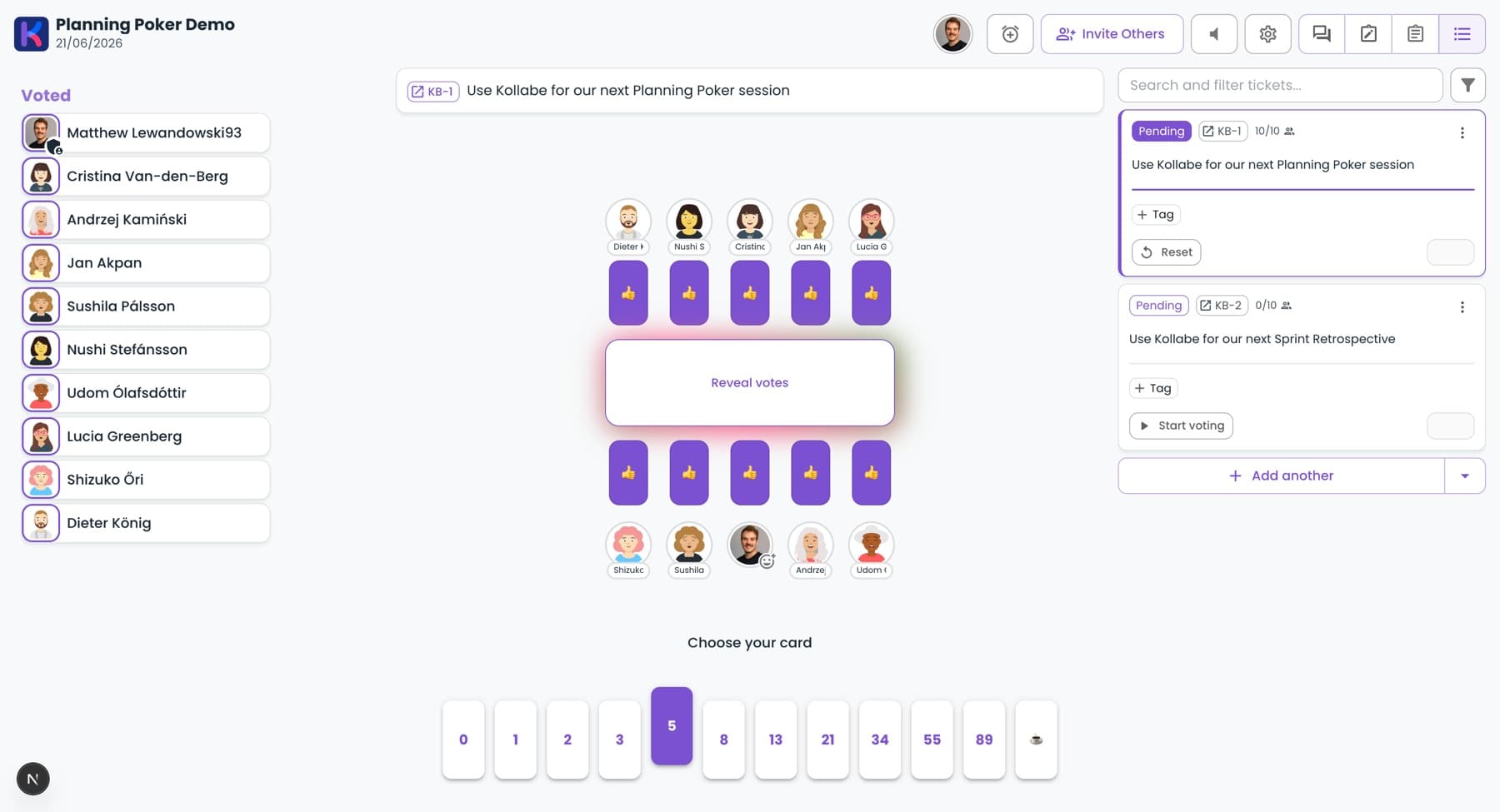
Each person picks the card that matches the effort they expect. Votes stay hidden until the reveal, so nobody is nudged by what the lead picked. Reveal together
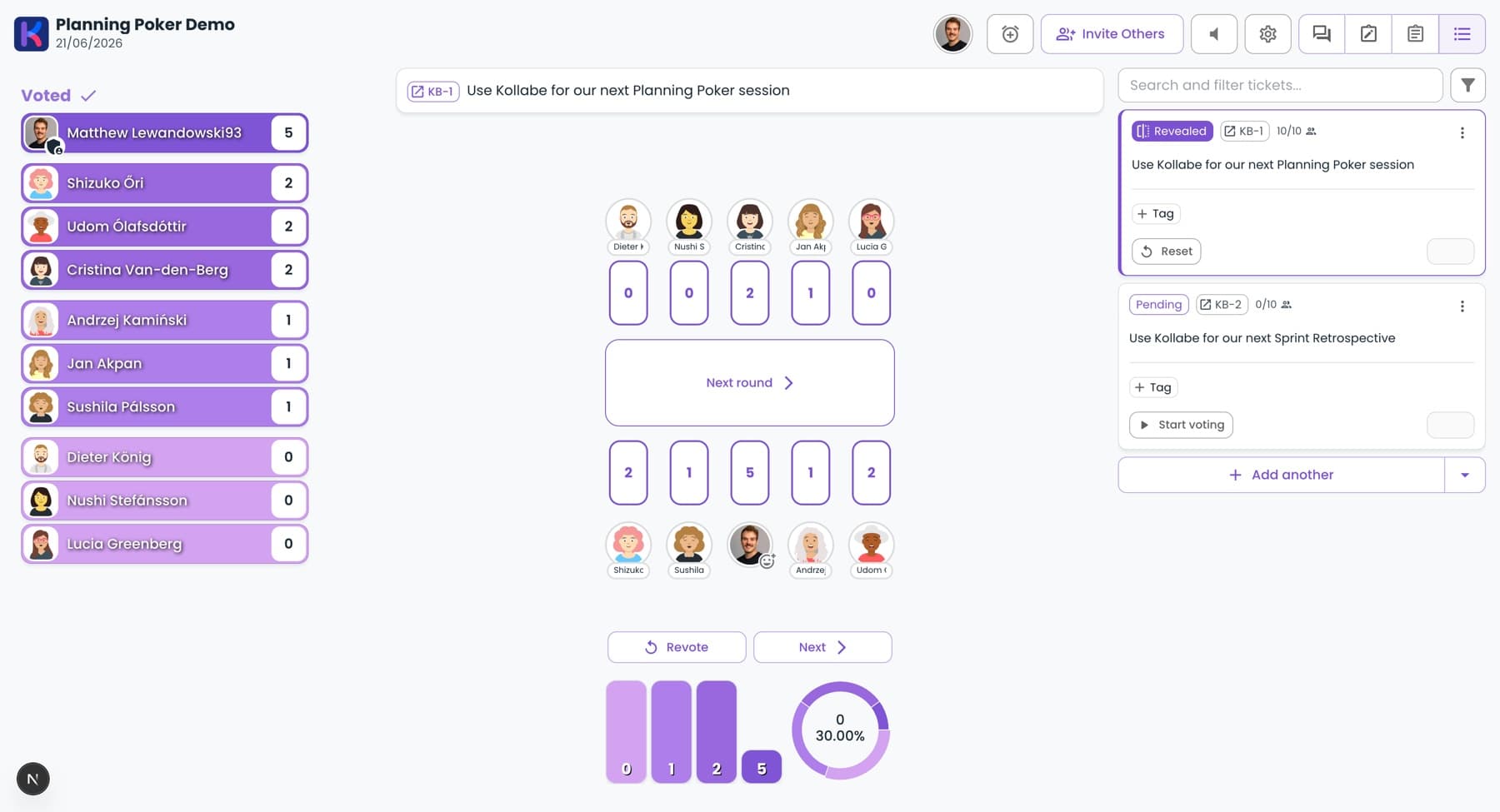
Flip all cards at the same time. Agreement means you're done. A wide spread is the interesting part, not a problem. Talk through the outliers
Ask the lowest and highest voters to explain first. The high voter usually knows about a risk the low voter doesn't, and that's the whole reason you're doing this. Re-vote and lock it in
Vote again once the unknowns are on the table. Take the consensus number, not the average, and record it.
Run it async when a meeting won't fit
Keep your estimates honest
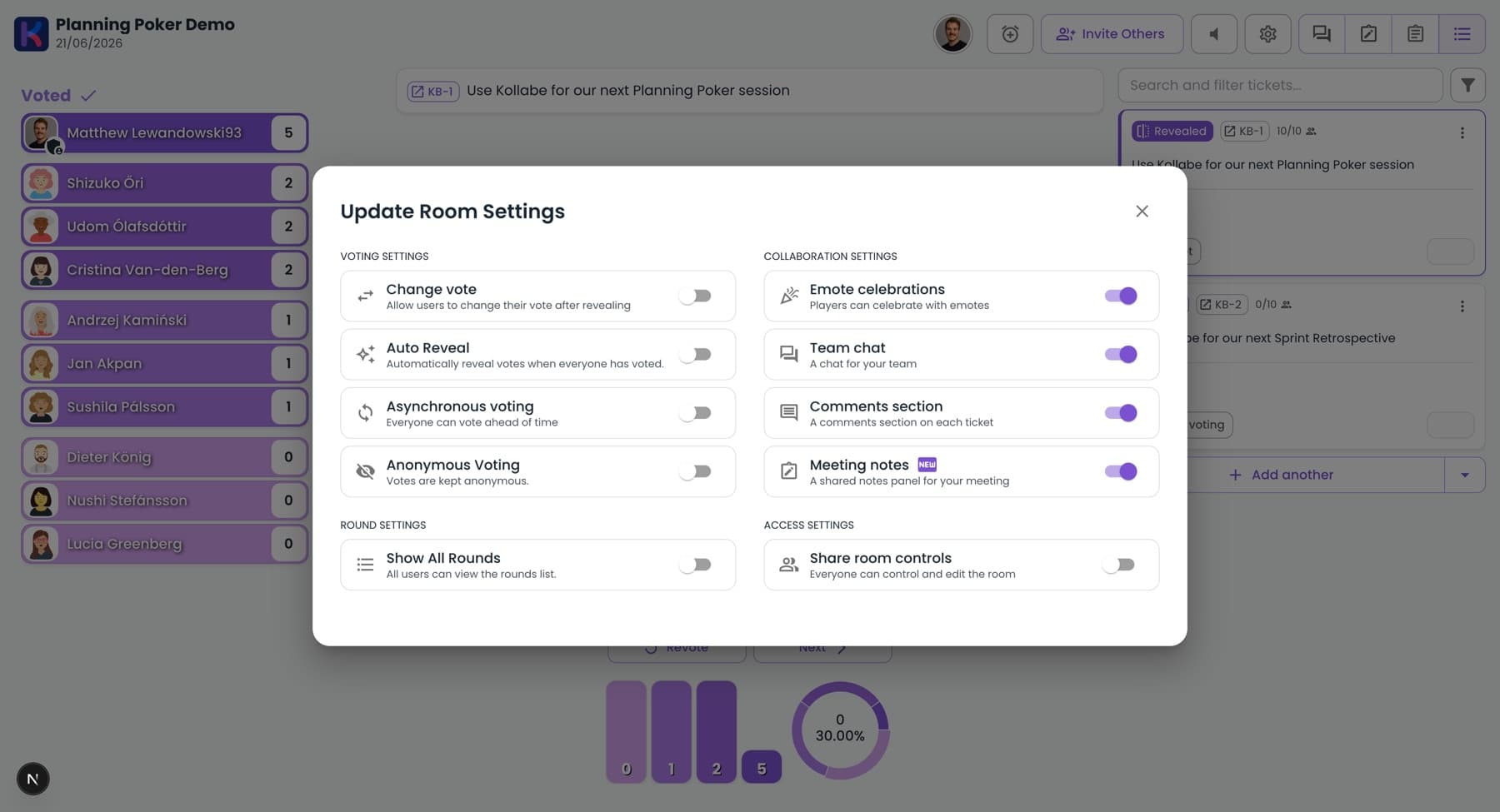
Keep votes hidden until the reveal so nobody anchors on the senior engineer's card.
Turn on anonymous voting when seniority gaps make people hedge toward the "safe" number.
Open every discussion with the extremes. The outliers hold the information everyone else is missing.
Timebox each story to about two minutes. If the spread won't close after a second vote, you have a different problem.
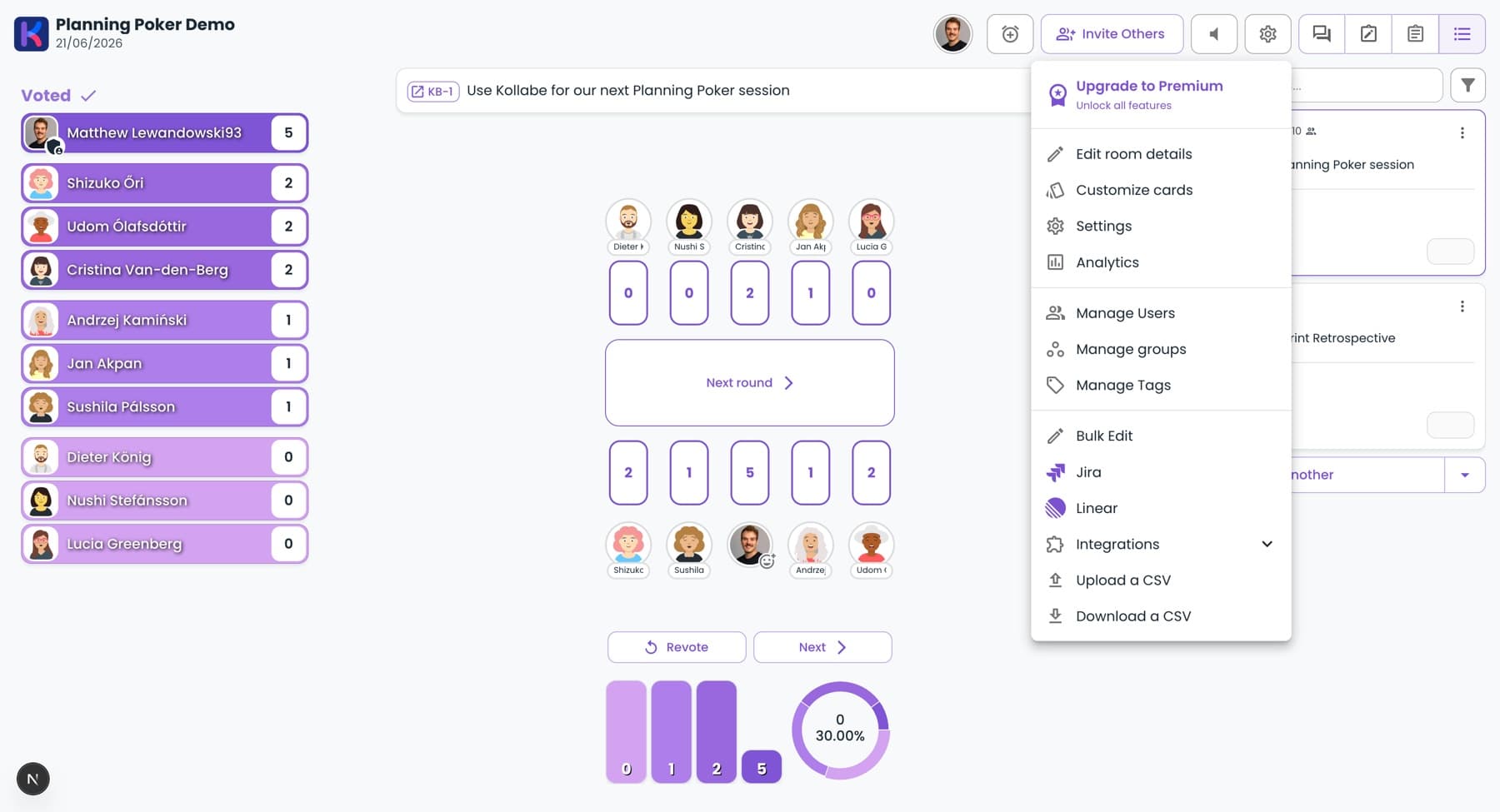
Connect it to your backlog
🔄Sync estimates back
📋Full ticket in a side panel
🧭See past estimates