
Posts

Connect Kollabe to Claude Desktop in 60 seconds: the MCP setup guide
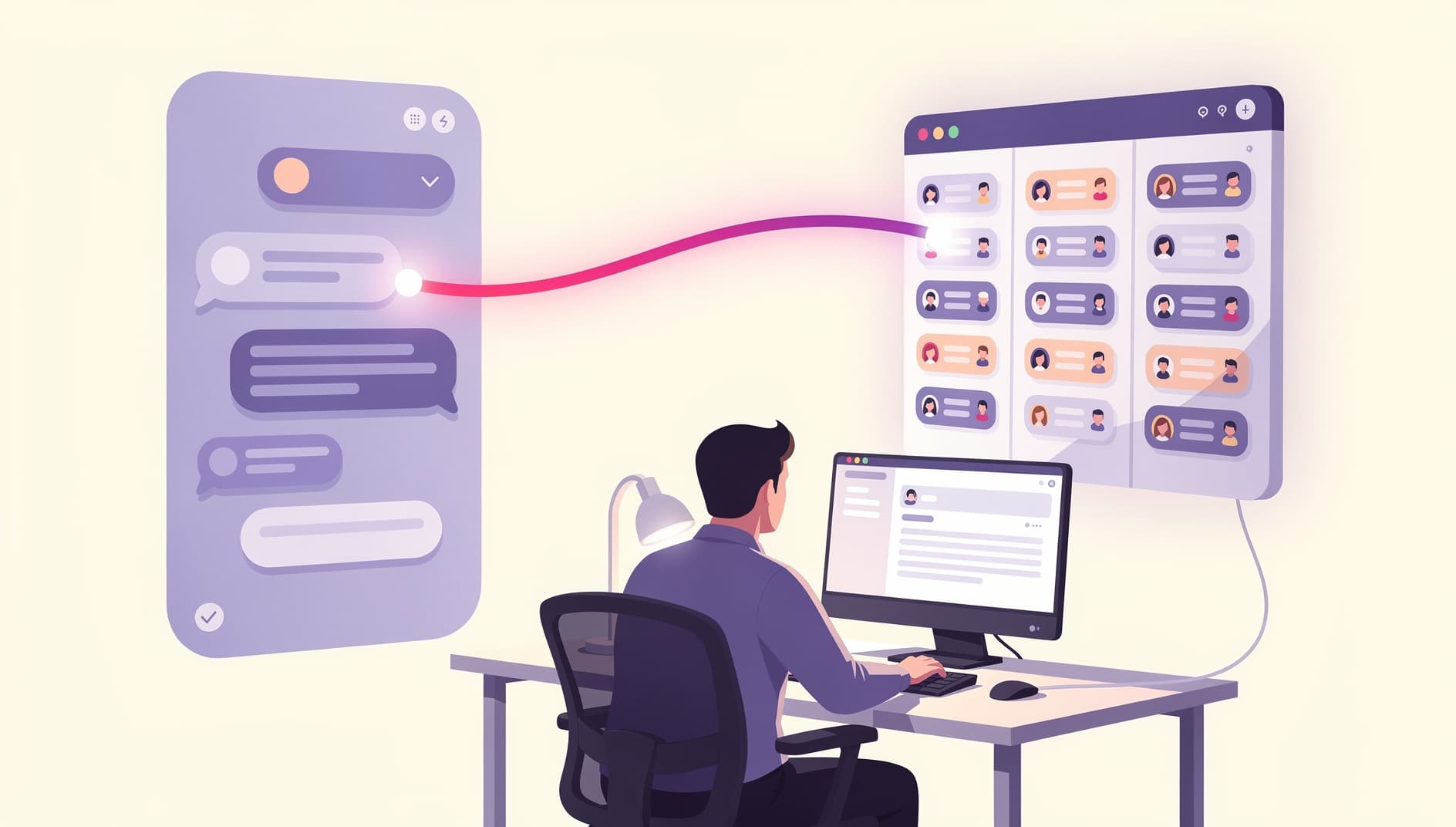
Illustrated scene of a developer connecting an AI assistant to a project workspace, with chat panel on the left and a sprint board on the right linked by a glowing line, modern flat editorial style with vibrant purple and pink accents, clean vector look, no text or UI labels visible
Kelly Lewandowski

Kelly Lewandowski

Last updated 27/04/20266 min read

The Kollabe MCP server lets Claude Desktop run your standup, open a planning-poker room, or seed a retro with this sprint's incidents, without you leaving the chat window. Setup is one OAuth flow and one config snippet. Here's the whole thing in 60 seconds.

Before you start

You need a Kollabe organization on a paid or trial plan, and you need to be a member of it. That's it. No keys to generate, no infra to run. The connection issues a personal token scoped to one org and lasts a year. If you don't have an account yet, sign up at kollabe.com and start a trial. The MCP server lives at https://kollabe.com/api/mcp.

The 60-second setup

  1. Drop the server URL into your client
    Add https://kollabe.com/api/mcp to your AI client's MCP config. Snippets for Claude Desktop, Cursor, Zed, and ChatGPT below.
  2. Approve via OAuth
    Restart the client. It opens a browser tab pointing at Kollabe SSO. Sign in. The client receives a token automatically. No copy-paste.
  3. Pick your organization on the consent screen
    If you belong to several Kollabe orgs, you'll see them on the consent screen. Pick the one the assistant should act in. Tokens are scoped to that org and act as you.
That's the whole flow. Open a new Claude Desktop chat and you'll see Kollabe tools available.

Config snippets by client

Claude Desktop

Edit claude_desktop_config.json (Claude Desktop → Settings → Developer → Edit Config):
{
  "mcpServers": {
    "kollabe": {
      "url": "https://kollabe.com/api/mcp",
      "transport": "http"
    }
  }
}
Restart Claude Desktop. You'll get a browser tab for the OAuth handshake on first connect.

Cursor

In ~/.cursor/mcp.json (or the project-local .cursor/mcp.json):
{
  "mcpServers": {
    "kollabe": {
      "url": "https://kollabe.com/api/mcp",
      "transport": "http"
    }
  }
}

Zed

In ~/.config/zed/settings.json, under the context_servers key:
{
  "context_servers": {
    "kollabe": {
      "command": {
        "url": "https://kollabe.com/api/mcp",
        "transport": "http"
      }
    }
  }
}

ChatGPT (and other connector-style clients)

Open Settings → Connectors → Add custom connector. Paste https://kollabe.com/api/mcp as the server URL. Approve the OAuth prompt the same way you would for Notion or Google Drive.

Claude Code (CLI)

If you live in the terminal, register it from your shell:
claude mcp add --transport http kollabe https://kollabe.com/api/mcp

What the consent screen actually does

Illustrated consent screen abstraction showing a chooser with three organization cards, each with a small avatar and a checkmark on the active one, soft purple gradient background, clean editorial vector style After SSO, Kollabe shows you the orgs you belong to. Eligible orgs are clickable; free-plan orgs and orgs that haven't enabled MCP are greyed out (trial counts as paid). Your role in the chosen org becomes the assistant's role. If you're an admin, the assistant can delete retros and finalise rounds. If you're a member, it can't. Each connection mints one token that shows up in Organization Settings → API Tokens, next to any personal tokens you've issued. Revoke from there. The token lasts a year and refreshes silently, so there's nothing to rotate.

What lights up: 46 tools across your stack

Once connected, the assistant can call any of these. Group by entity to find what you need:
🎲Planning poker

10 tools to list rooms, create rooms and rounds, bulk-import rounds, flip and complete rounds, and cast votes. Pairs well with our planning poker tool.

🔁Retrospectives

12 tools for boards, items, votes, comments, and kudos. Create a retro, seed columns, group items, hand out kudos, all from chat. See retrospectives.

☀️Standups

12 tools to read submissions, submit your answers, fetch the AI summary, react, and comment. The "draft my standup from yesterday's PRs" prompt lives here.

Action items

7 tools to create, list, update, comment on, and close action items. Connects retros to actual follow-through.

🧭Identity & spaces

whoami, space_list, space_list_users, organization_list_users, group_list. The lookup primitives every other tool depends on.

🔤Naming convention

Tools follow an entity_verb pattern (retro_create, planning_poker_cast_vote). Type the entity prefix in your client's tool picker and the rest filters down.

First prompts to try

Open Claude Desktop and paste any of these to verify it works:
  • "Use Kollabe to tell me what spaces I'm in and which retros are open." Read-only smoke test, hits whoami, space_list, retro_list.
  • "Look at my GitHub PRs from yesterday and draft my Kollabe standup for today." Combines your IDE/git MCP servers with Kollabe's standup_submit_answers.
  • "Pull the next 10 unestimated tickets from Linear and create a planning-poker room called 'Sprint 47' with each as a round." Hits planning_poker_create_room and planning_poker_create_rounds_bulk.
The bridge is the point: your other MCP servers fetch the source data, Kollabe runs the meeting.

Troubleshooting

The browser tab never opens after I restart the client. The MCP server registration is loaded lazily. Open a new chat and ask anything that mentions Kollabe to trigger the handshake. My org is greyed out on the consent screen. Either it's on the free plan, or MCP isn't enabled yet. An owner or super admin needs to flip it on in Organization Settings. The assistant says it doesn't have a tool for X. Try the entity prefix (planningpoker, retro*, standup*) so it can find the right tool. If a tool genuinely doesn't exist, the public API covers a few extra endpoints. I want to disconnect. Organization Settings → API Tokens → Revoke. Every active session dies the next call.

Why MCP and not just an integration

Most agile tools ship a Slack bot, a Jira plugin, a Notion connector, and call it done. MCP collapses that work into one thing: any client that speaks the protocol gets every tool. Today that's Claude Desktop, Cursor, Zed, ChatGPT, and Claude Code. Next quarter it'll be whatever ships next. You don't write code to add a new integration. You add a config line. The honest version: I don't know which clients will matter in a year. Building one MCP server instead of five SDKs is the bet that the protocol wins, and so far it looks right.

The server is included on every paid plan, including the free trial. Free-tier accounts can't connect, but trial users get the full experience.

Whatever you can see. The token acts as you, in one organization, with your role. It can't read other orgs you belong to and it can't escalate privileges.

One year. They refresh silently before expiry. You can revoke any token instantly from Organization Settings → API Tokens.

Yes. Issue a personal access token and call the public REST API directly. Same endpoints, bearer auth.

Any MCP-compatible client that supports HTTP transport will connect. The server URL is the same.